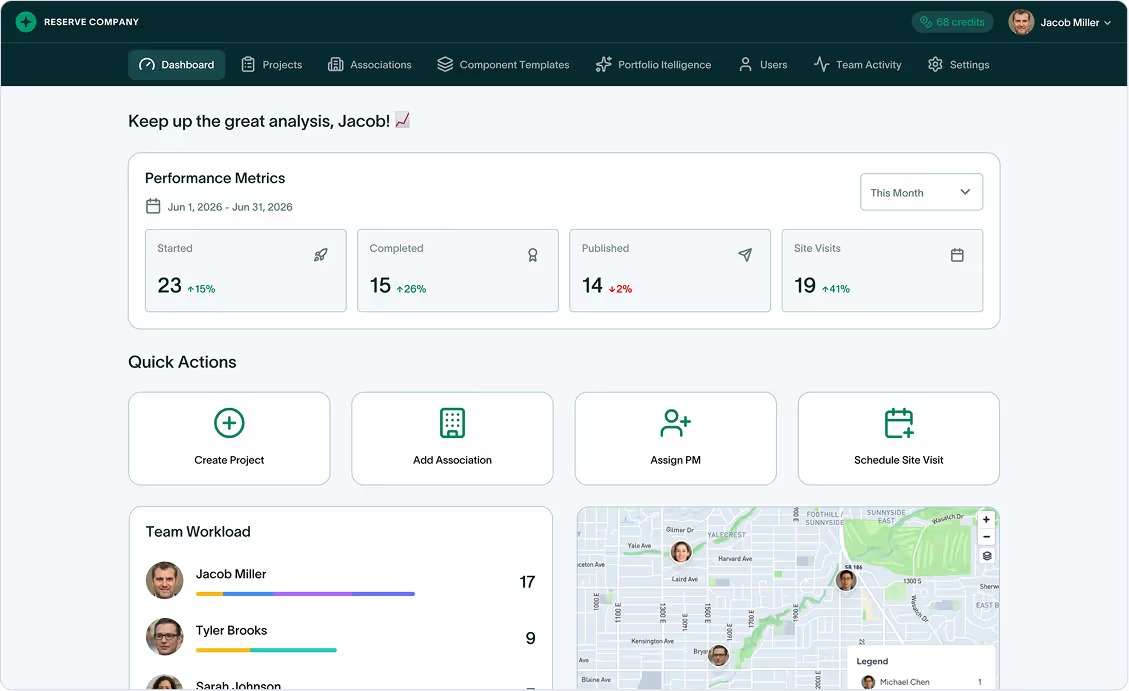
The reserve study platform built for efficiency, accuracy, and scale
From field capture to portfolio insights, PropFusion connects every step so teams have full control over their entire reserve study operations.
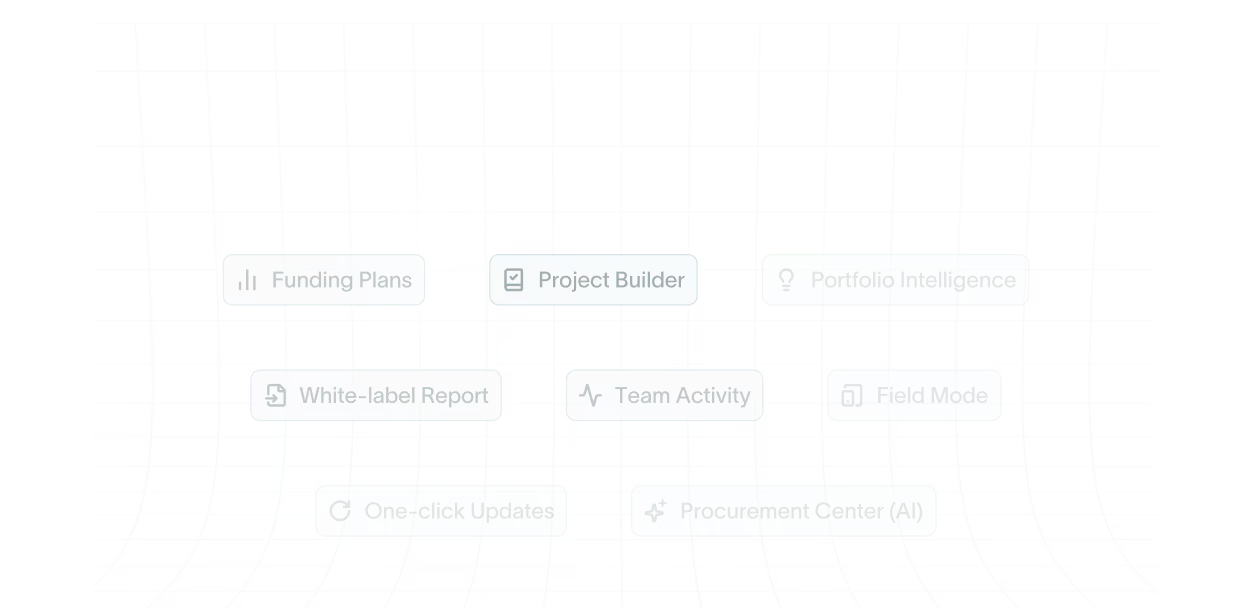

for your reserve study team, from field inspection to final PDF
across multi-state engineering and reserve study teams using standardized templates
with state-specific disclosures and reserve study calculations

Capture on site.
It lands in the study.
No double-entry.
Field Mode captures geotagged photos with on-site notes, links them to the right component (or saves for later), cuts paper and transfers, ensures traceability, and speeds the handoff to funding and report.


Build a complete reserve study in just 4 steps.
Add project details and visit, assemble components with photos, compare funding plans, then drag sections to generate the final report-one flow, no spreadsheets.



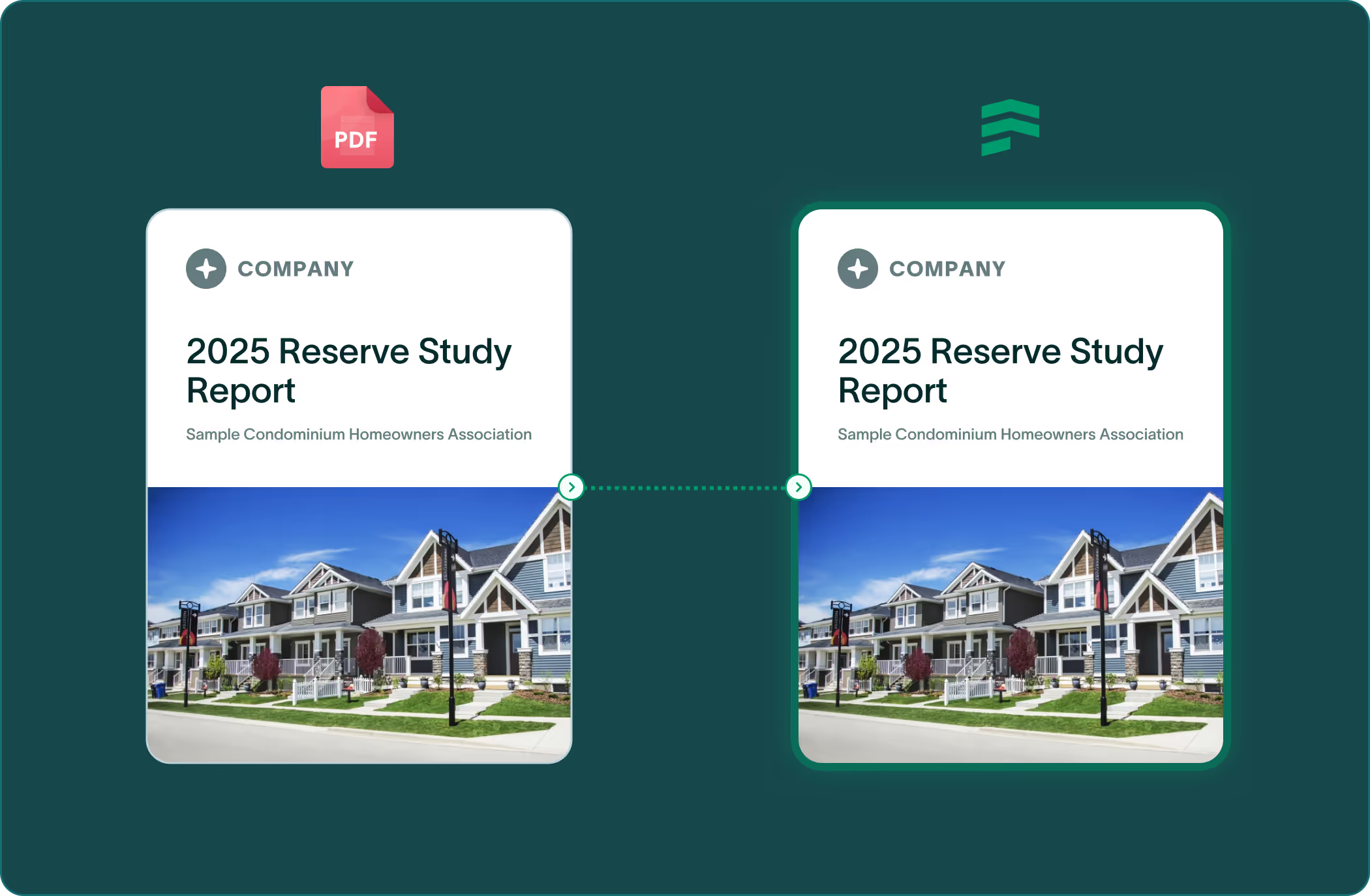
Your report format, exactly.
Remove PropFusion branding and deliver PDFs that mirror your current layout-migrated by our team in 3-4 weeks.

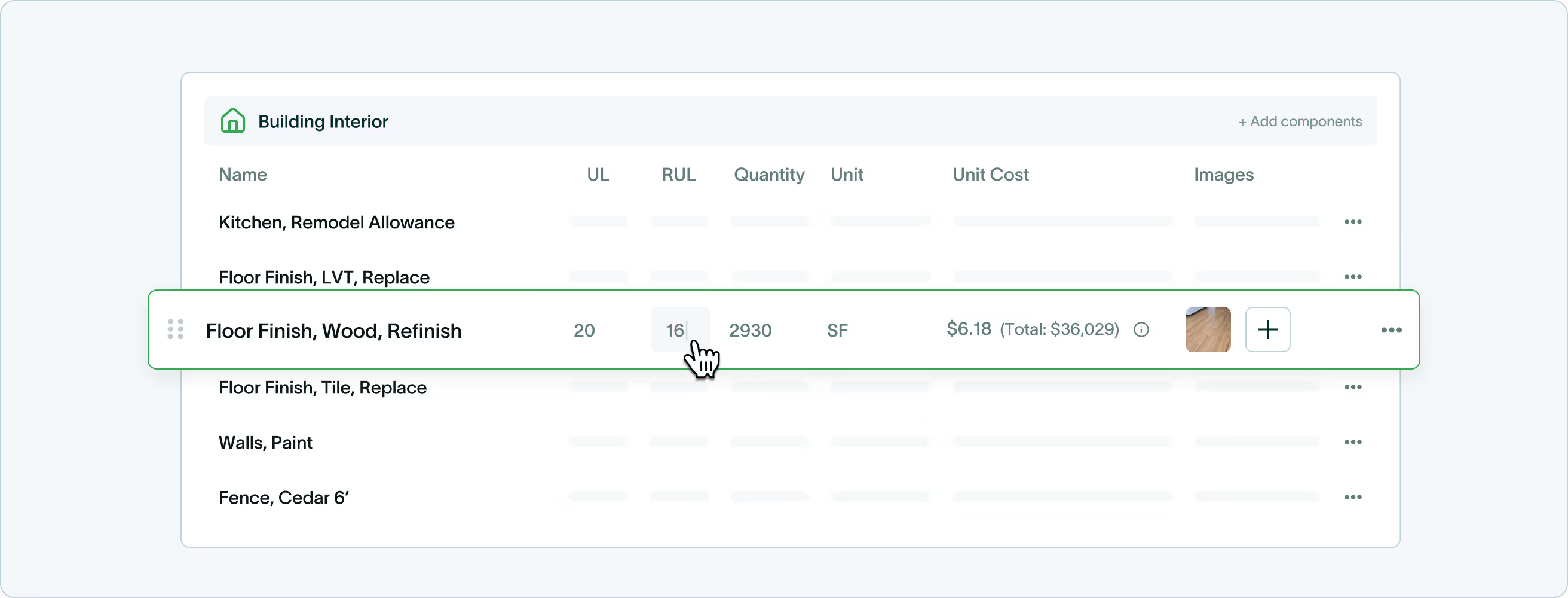
Build your own component library.
Create reusable templates with your default UL, RUL, unit, and cost fields (per state) - then drop them into projects for 5x faster assembly. Import your existing list via CSV; adjust anything per project.
Funding plans for every state and every workflow.
Pick preset plans for guardrailed speed, build custom targets when you need control, or allocate by component method - then compare and publish.
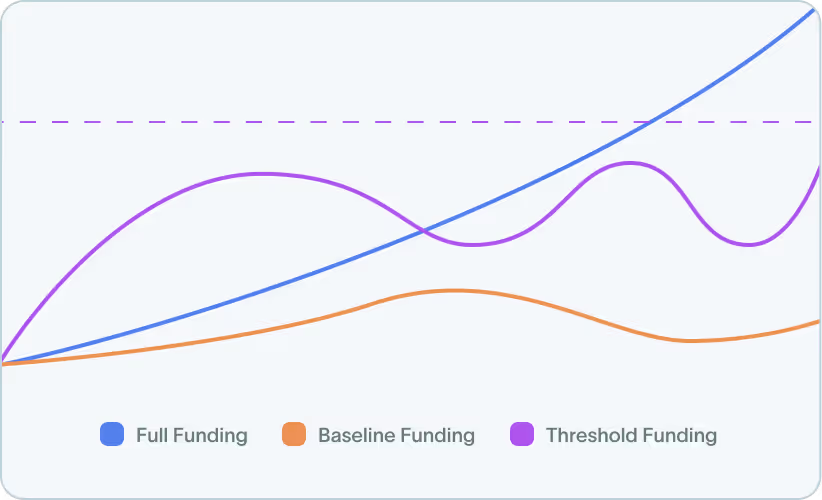
Preset funding plans
- Full Funding - Stay at/above fully funded each year.
- Baseline - Keep the balance positive with minimums.
- Threshold - Never drop below a floor you set.
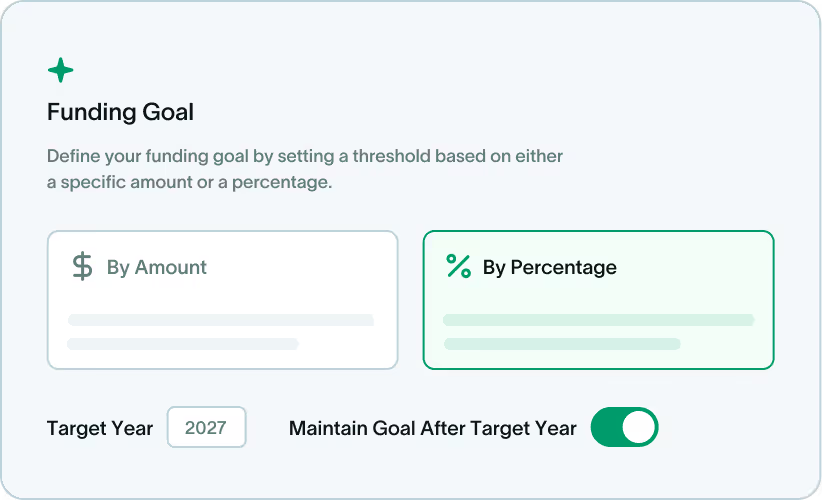
Custom funding plans
- Target - Hit a specific balance or % by a year.
- Threshold (custom) - Define the yearly floor.
- Custom - Control yearly contributions and rates.
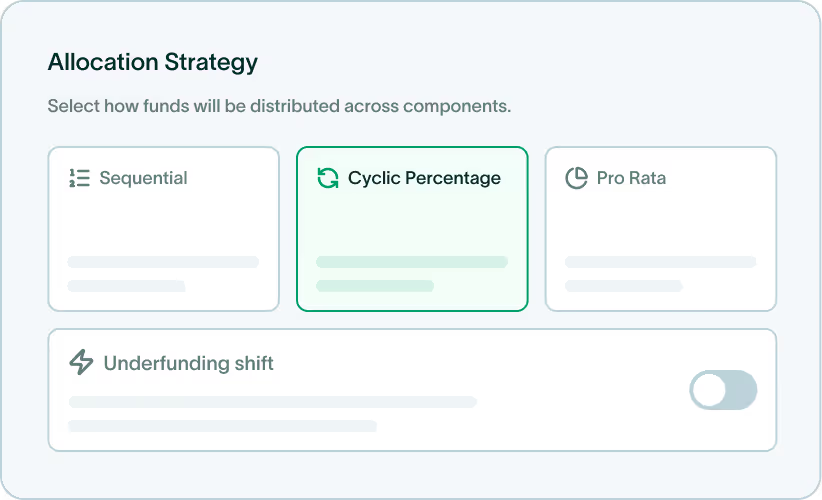
Component method
- Sequential - Fund one component at a time by RUL.
- Cyclic Percentage - Distribute in repeating %
- Pro Rata - Allocate proportional to total need.
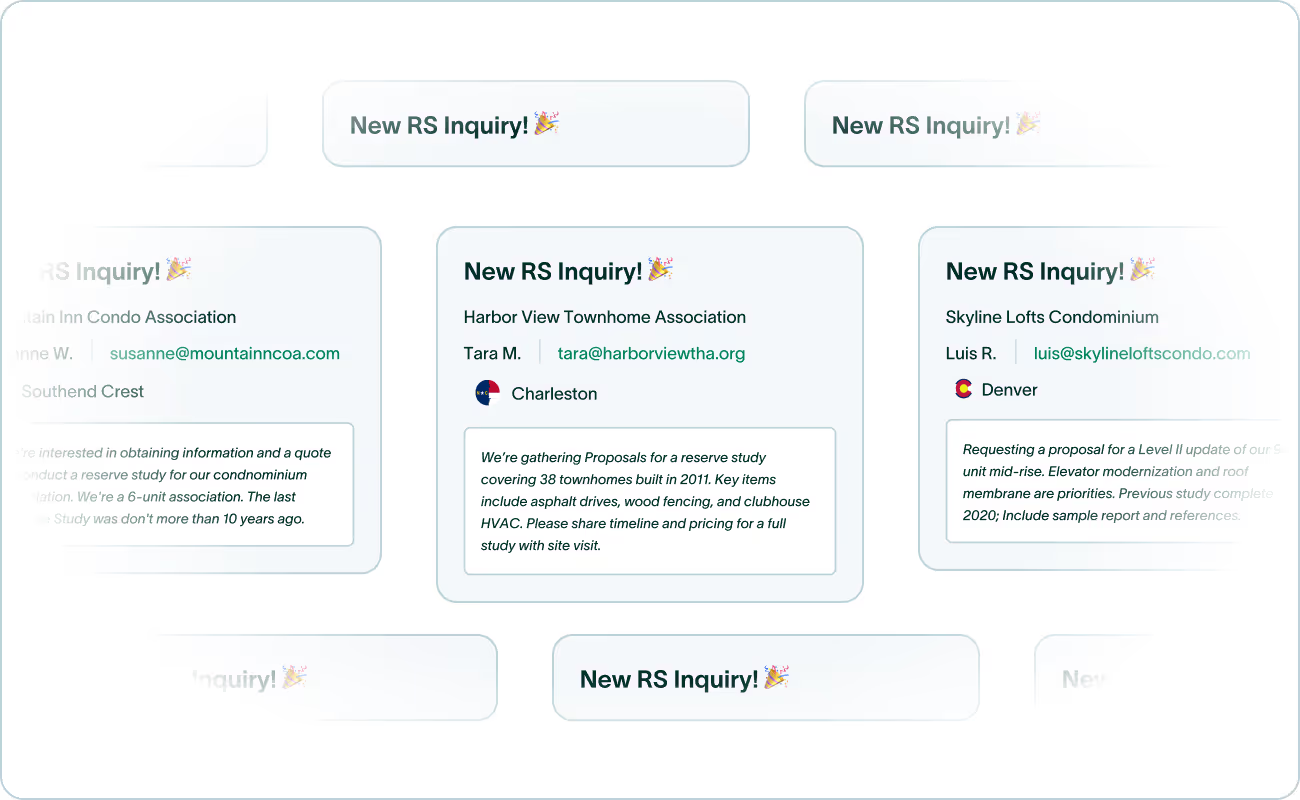
Reserve study inquiries. Sent to your inbox.
We receive 300+ HOA requests nationwide and forward the right ones based on your selected states. These come from HOAs & COAs of different sizes for SIRS and all 3 levels of reserve studies.
Plan replacements, not just reports.
Turns reserve data into an actionable schedule of component jobs for engineering teams - ready for prioritization and bundling.

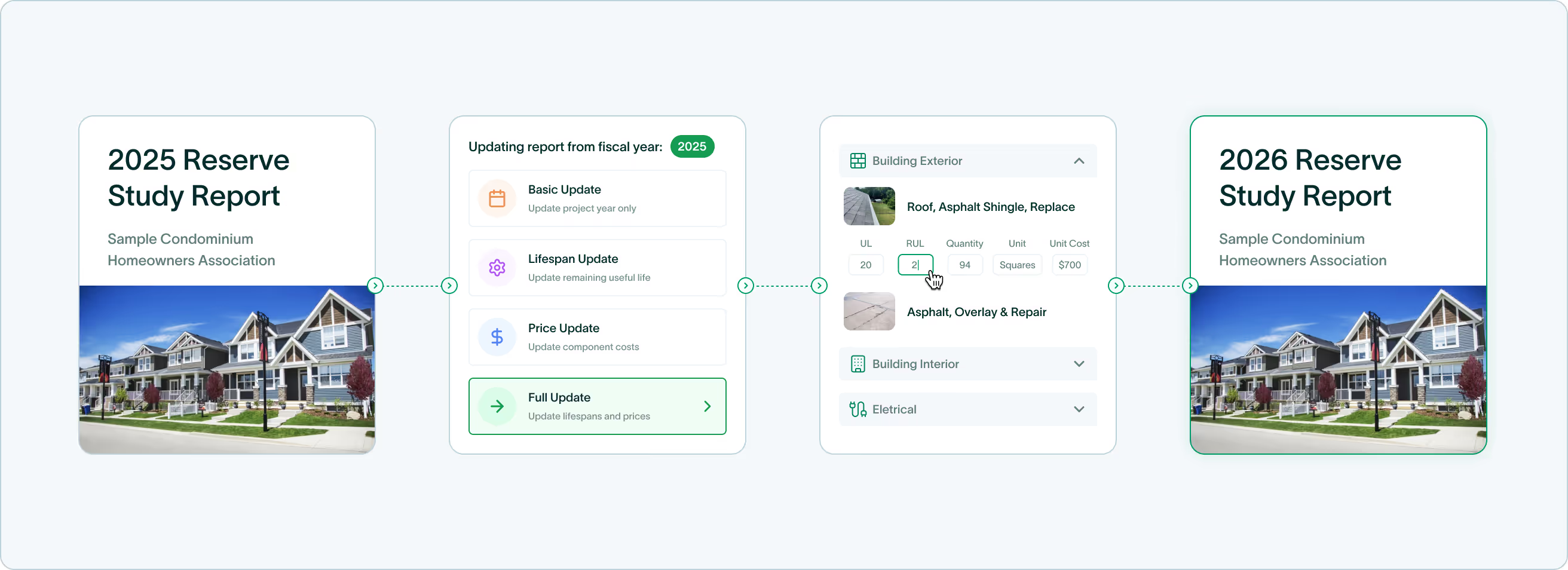
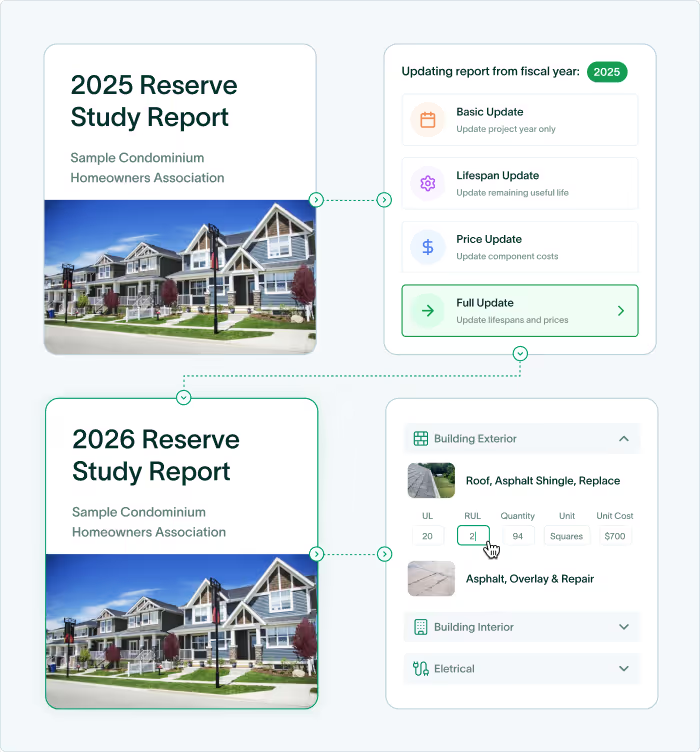
Update last year's study to today, in one click.
Choose a mode-Basic, Lifespan, Price, or Full - and PropFusion recalculates plans instantly. You can review deltas and fine-tune before publishing.

Know who changed what, and when.
Searchable activity feed, diffs, and role-based visibility. Admin and Manager roles keep control simple.
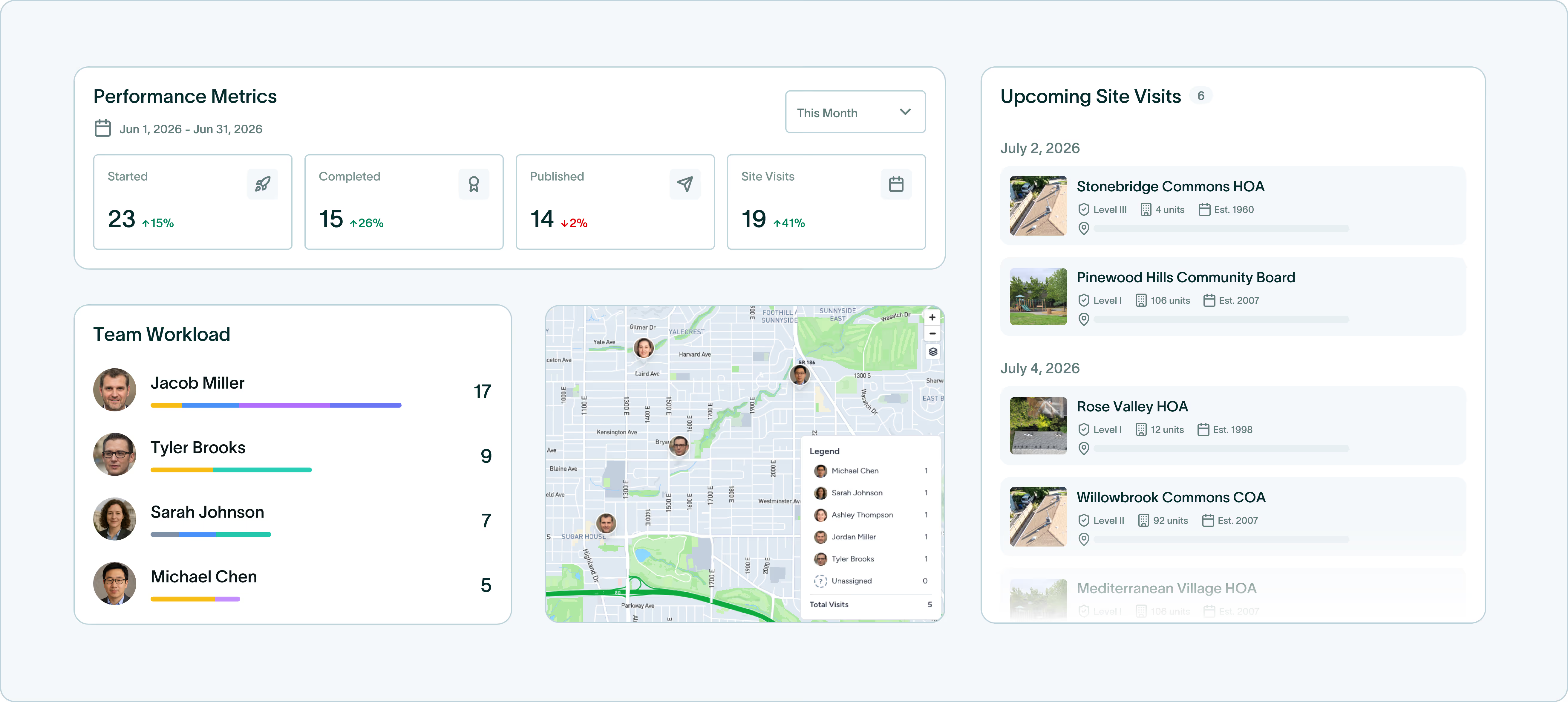
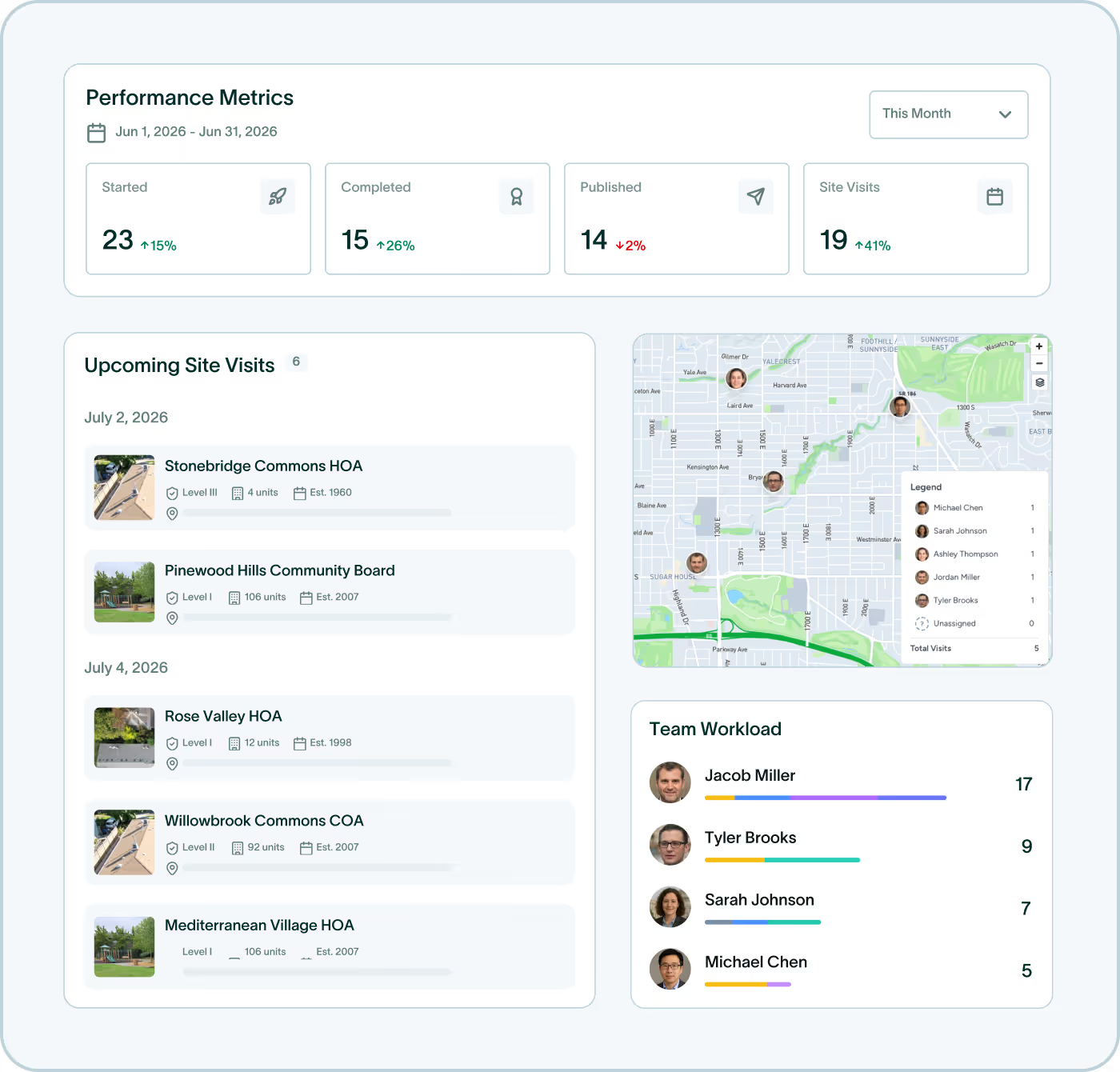
Your week, month, and year, organized in a single view.
See starts, completions, site visits, and workload.
Plan assignments and schedule visits in one place.
Skip years without splitting components.
Use "hopover" to pause replacements for specific years.
Calculations and funding adjust automatically.

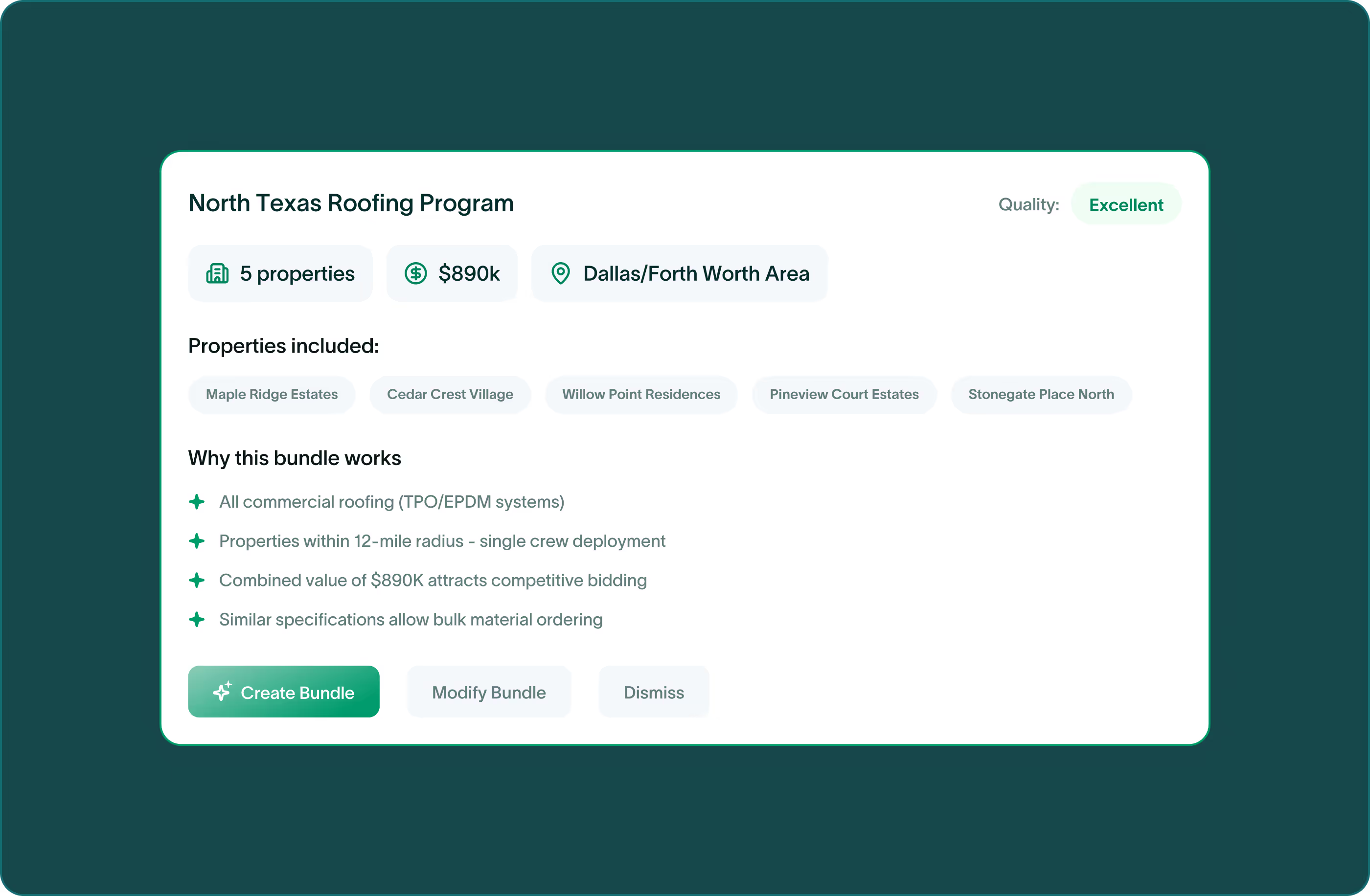
Bulk bids without spreadsheets.
We auto-group upcoming replacements across your portfolio and assemble ready-to-send RFP packets-export to PDF in one click.
Built for professional standards
Enterprise security and reliability without the complexity.
Data Integrity
Full audit trails.
Security
Encrypted at rest and in transit. Role-based access.
Reliability
Automated backups and exports.
Support
Dedicated onboarding. Migration assistance included.
Trusted by reserve study teams of all sizes


Frequently asked questions
What exactly is the Reserve Builder workflow?
The iOS/Android app captures geotagged photos and on-site notes and links them to the right component (or your photo gallery for later allocation). Everything lands in the study—no double entry.
How does Field Mode save time in the field?
A simple flow: project details & visit scheduling → choose RS level/SIRS → add or tweak components → auto-generate funding plans → publish/download reports.
Is Portfolio Intelligence the same as the dashboard?
No. The dashboard shows project/visit status; Portfolio Intelligence (Enterprise) rolls up upcoming component projects across communities, grouped by location, date, or category to spot bundling opportunities—built for engineering teams that execute the work.
Do you provide a master library of components and costs?
We don’t ship defaults. Create your own Component Templates (UL, RUL, cost, even per-state pricing rules) or import them via CSV; they auto-populate during report assembly.
How flexible are Funding Plans?
Choose preset plans (Full, Baseline, Threshold), custom plans (Target, your own Threshold, fully Custom), or use Component Method strategies (Sequential, Cyclic %, Pro Rata, optional Underfunding Shift). Some modes are fully editable; others are auto-produced with guardrails for accuracy.
What does One-click Update change?
Update past studies in one action: Basic (project year), Lifespan (RUL), Price (costs), or Full (lifespans + prices). New plans are calculated automatically and remain editable.
Can we replicate our existing PDF report format?
Yes—White-label Reports (Enterprise). We remove PropFusion branding and can replicate your current PDF layout; our team completes the migration in 3–4 weeks post-signup (one-off fee).
How do Procurement Automation and Bulk RFPs work?
Enterprise identifies bundle opportunities, groups similar upcoming projects, and assembles structured RFP files (category/time/location).
Do you provide leads? How are they routed?
Yes. The Lead Generator forwards ~300–500 HOA inquiries/year from across the U.S., routed by the states you choose—helping firms scale without extra marketing spend.
See how fast your team can produce a report in PropFusion
We’ll walk through templates, QA steps, and publishing—end to end.